Leads (Clients → Leads) are prospects who haven't become customers yet, including anyone who fills in your public enquiry form. Convert a lead to a customer when you win the work.
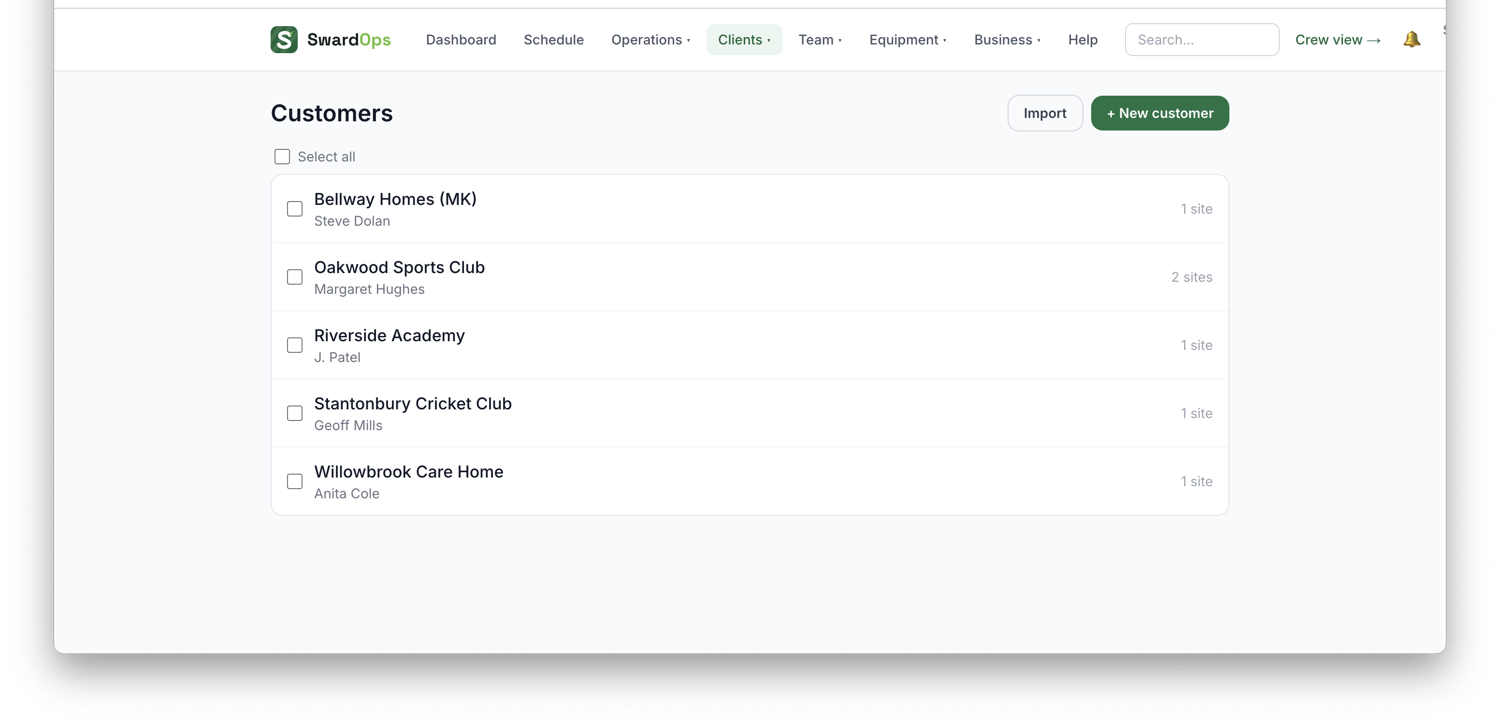
Customers (Clients → Customers) hold everything about a client: their sites, contacts, job history, quotes and invoices. A customer can have many sites (e.g. several pitches or grounds), and each site has its own address that drives mapping and scheduling.
To add a customer: Clients → Customers → Add customer, then add their site(s) and contact details. You can also bulk-import existing customers from a CSV.
Best fit when adding a round. On the New round form, once you've picked the site and the repeat pattern, a 📍 Best fit panel under the date ranks where this site slots in against what's already booked: for a one-off, the three dates in the next fortnight that add the fewest extra road miles (and which existing visits they'd sit next to); for a repeating round, the best weekdays over the next four weeks. Tap a suggestion to fill the start date — nothing else changes. It needs the site pinned on the map; set your yard address in Settings for door-to-door mileage.