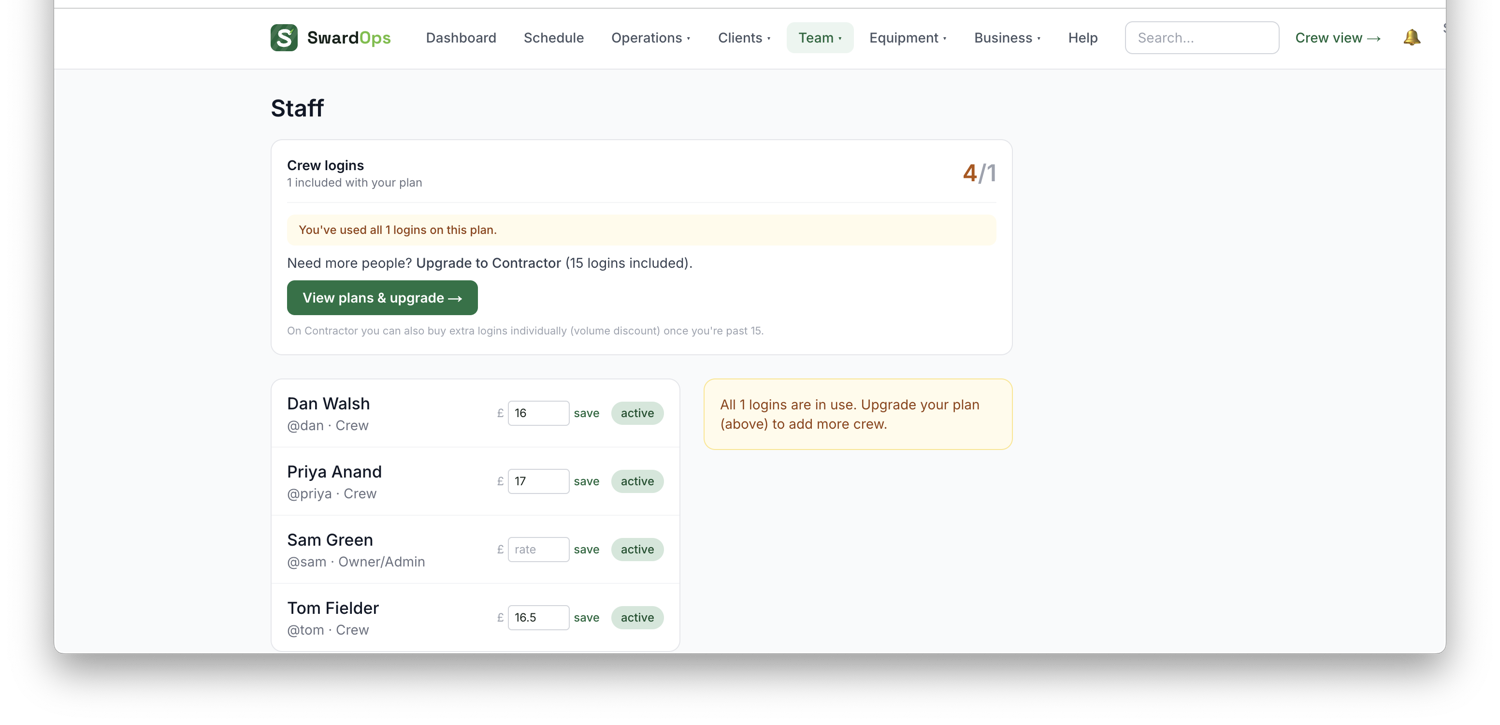
Team → Staff is your people list. Each person has a role:
- Admin / Office: full access to this console.
- Crew: the mobile day-view only (their jobs, no office menus, no financials).
On top of the access role, give each person a free-text job title (Gardener, Horticulture Manager…). It shows around the app without changing what they can access.
Team → Crews groups staff into the teams you send out together. Assign a crew to a visit and everyone in it gets it on their phone. Each crew can have a team leader, who gets a short site walk-around checklist on every visit — the job can't be closed until it's done. Add a staff member and they can sign in on their phone with a simple username + passcode.