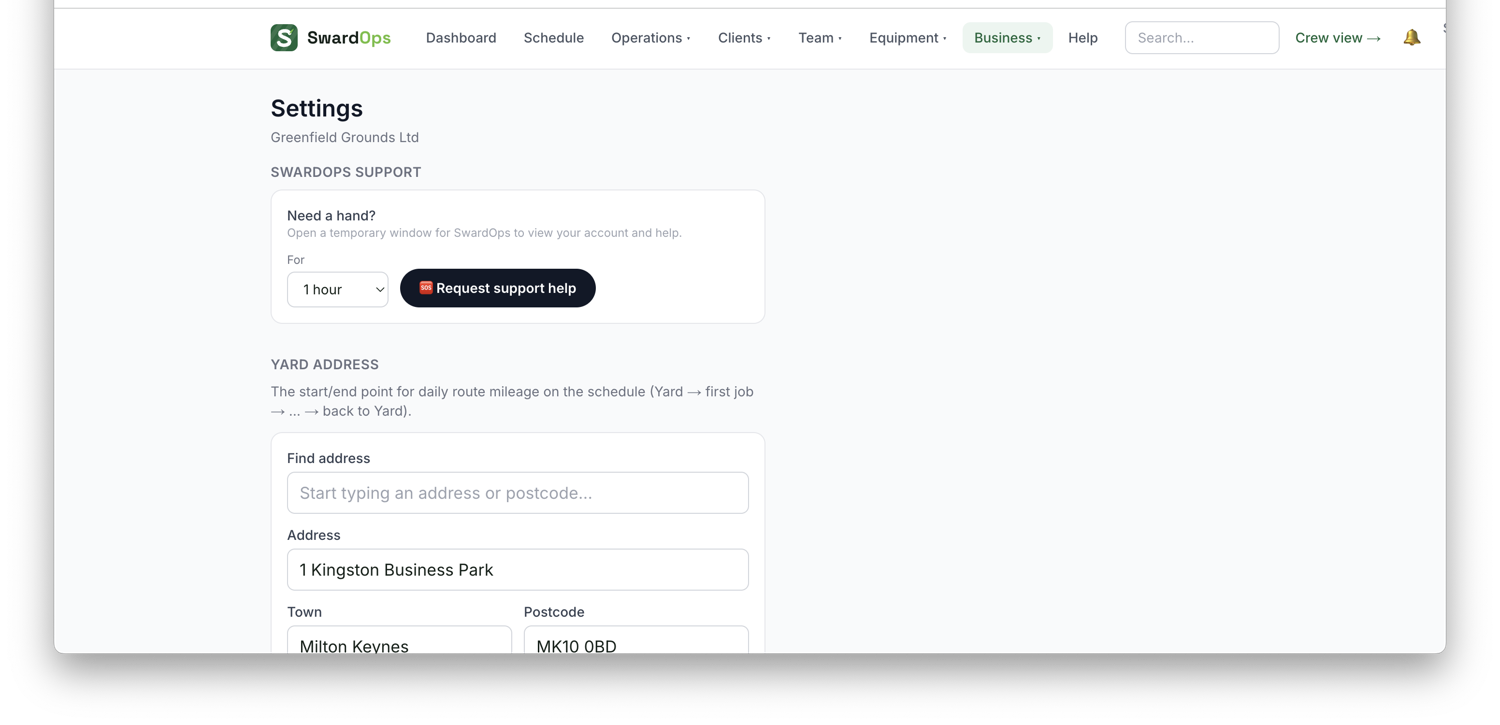
Settings → Business is your company profile: yard address (powers the map & travel times), working hours, default rates, invoice due-days, and crew-location on/off.
Also in Settings:
- Quotes & branding (on the Clients tab): your logo (PNG/JPG, shown on quotes, invoices and emails), quote validity, accent colour (quotes, invoices and the buttons on your public forms), T&Cs, bank details, the VAT registered switch, and your own covering-email wording for quotes and invoices (with placeholders like {name} and {total}).
- Your own text number: get a dedicated SMS number for the business; missed calls to it can auto-text the caller back so enquiries don't go cold.
- Module switches: winter gritting, tree work, tipping, requests & booking.
Get this right early. It feeds quotes, invoices, scheduling and the map.
Email signatures. Settings → Business details → Email signature (organisation) signs off every email the business sends — quotes, invoices, reminders, reports, portal invites. Each office user can add their own under My details (or an admin can set it on their staff page); it goes on the emails they send. By default the person's signature sits above the organisation's; switch to "person's only" if you'd rather. Automated emails have no sender, so they carry the organisation signature — unless you tick Automatic emails are signed by the department they come from, and name who signs for each department under "Replies go to" — Accounts, New clients & quotes, Visits & maintenance — and their own signature is used instead. Your logo is already at the top of every email, so the signature is the words — name, role, phone, web.