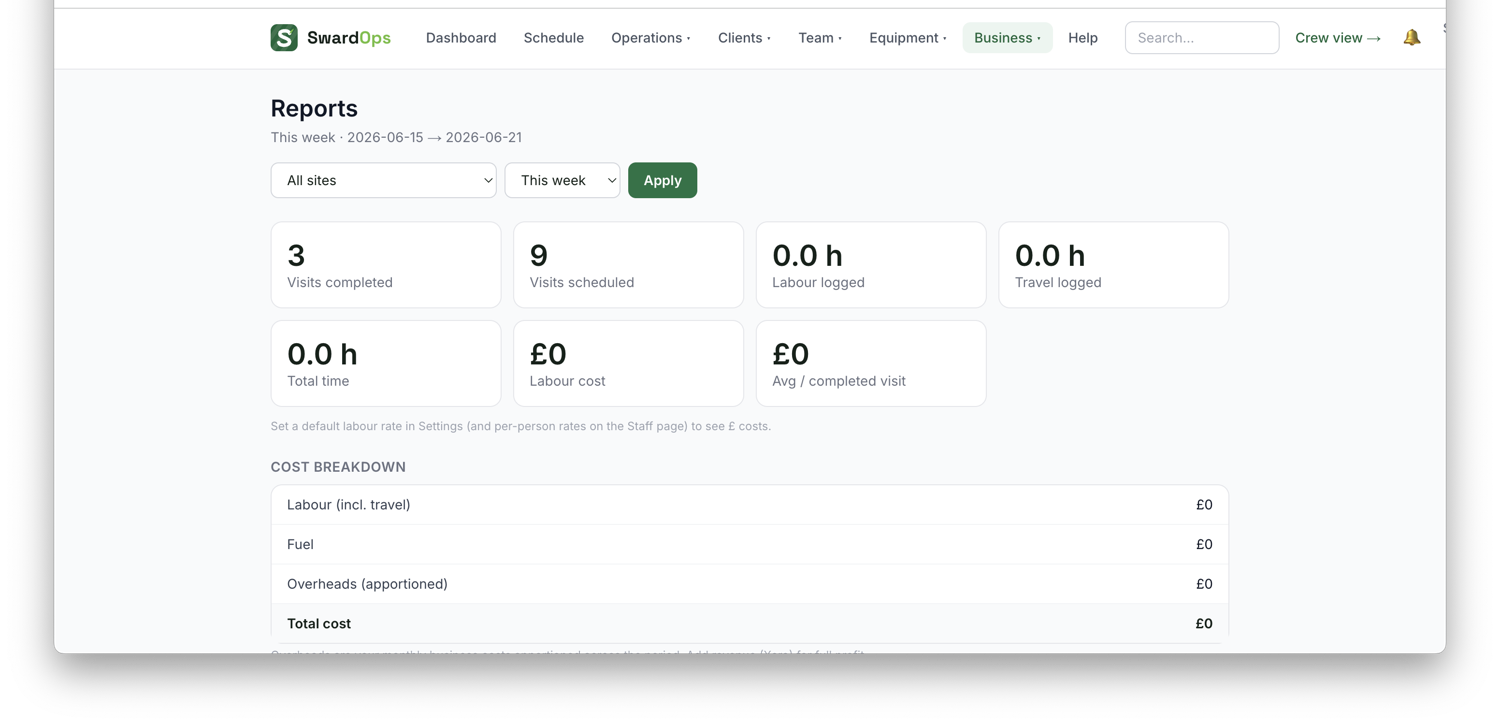
Business → Reports gives you the numbers across your operation, and Business → Profit breaks down which work and which clients actually make you money, costs (labour, travel, materials, equipment) against what you billed.
Win rate by service (on Growth & efficiency, under the KPI tiles) splits your quote win rate by the kind of work — hedge cutting, fencing, patios, turfing, tree work and so on, read from each quote's title and lines. A very high strike rate on one service ("room on price") usually means you're cheap there; a very low one ("losing") means the price is out of step with the market or the work isn't worth chasing. It also shows the average value of what you won against what you lost, so you can see whether it's the price or the job.
Machine profit league (Reports → Fleet & fuel) ranks your implements by cost per acre: the machine's full hourly cost (from its Costs tab) times the hours crews timed on it, over the acres they logged. Cheapest first. When one machine costs half what another does for the same acre, the report says so, and it flags any implement running well below its rated work rate. Machines only appear once they have cost figures, timed hours and logged acres.
How you compare (Reports → How you compare) puts four of your ratios next to everyone else on SwardOps: quote win rate, days to get paid, share of invoices paid late, and share of the working day spent travelling. Peers are grouped by team size where at least eight firms share the group, otherwise it's all firms; you see the typical figure and the middle range, and whether you're in the top quarter, the middle or the bottom quarter. It refreshes weekly, uses ratios only (never anyone's totals or names), and says "not enough firms yet" rather than guessing when a group is thin.
For the finance-director view, Reports → Financials has a live P&L, aged debt & DSO, pipeline and VAT position; Cashflow projects 13 weeks ahead; Efficiency shows route waste, stranded jobs and how much of the paid day goes on travel. A "Needs attention" block at the top of Growth & efficiency names the rounds and habits costing you money.