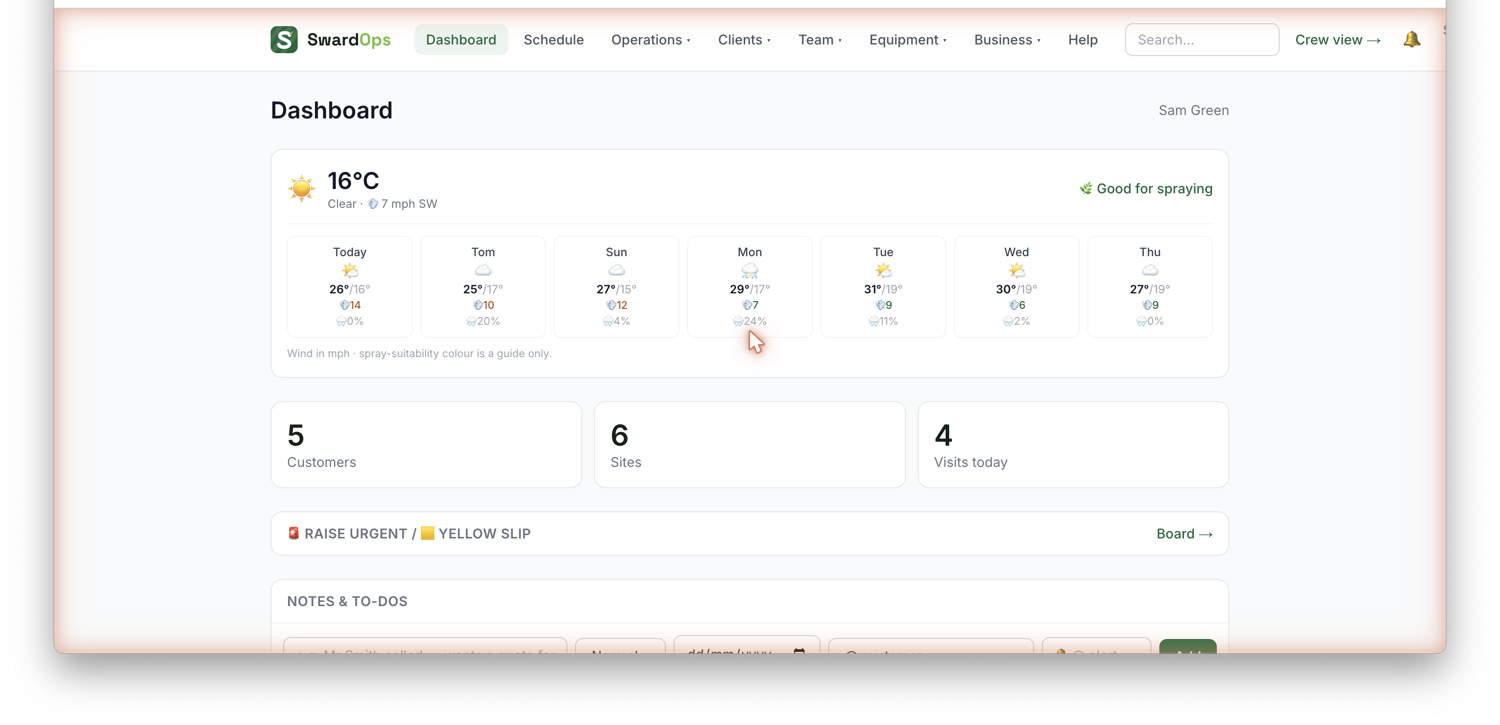
When you first sign in you'll see a Getting started checklist on your Dashboard. It ticks itself off as you go, then disappears once you're set up.
The order we recommend:
- Add your business details: go to Business → Settings. Set your yard address (this powers the map and travel times), working hours, and your default hourly rate. These feed quotes, invoices and the schedule.
- Add your first client: Clients → Clients → Add client. Add their site(s) at the same time so you can schedule work there.
- Schedule your first job: Schedule → New job, pick the site, the work and a date.
- Send a quote (optional), Clients → Quotes. Clients can accept it online.
- Invite your crew: Team → Staff. They get the mobile day-view on their phones.
You can always reopen Settings later. Nothing here is permanent.